Mermaid Flowchart Direction: TD, TB, LR, RL and BT Explained
By Alee Hamza · Updated
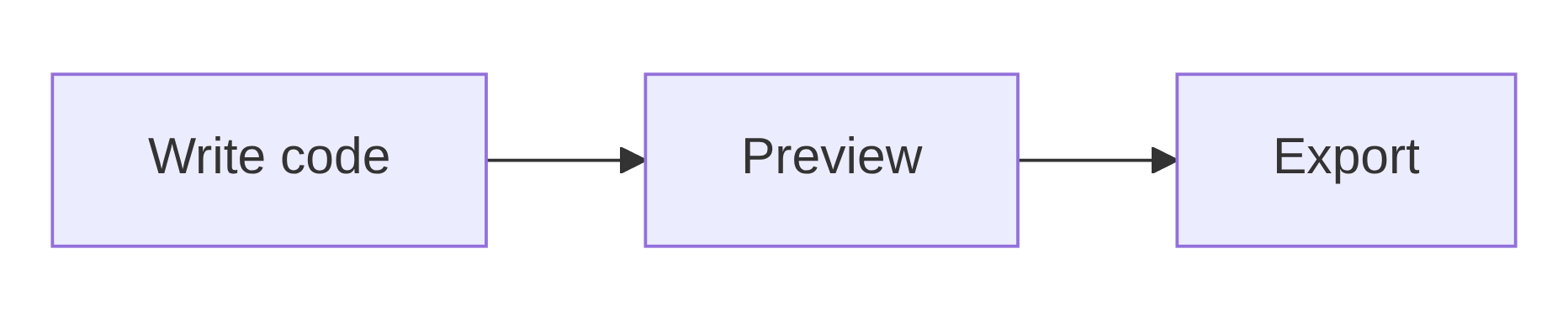
TL;DR: The two letters after flowchart set which way it flows: TB or TD top to bottom (the default), LR left to
right, BT bottom to top, RL right to left. They must be capitals.
A subgraph can take its own direction, but Mermaid ignores it when a node
inside the subgraph links to a node outside.
The five directions
A Mermaid flowchart starts with the keyword flowchart (or the older graph) followed by a direction. Here is the same three-step process in each
one, rendered live:
Rendering preview…
flowchart TB · Top to bottom. The default. Also written TD.Rendering preview…
flowchart LR · Left to right. Best for wide screens and slides.Rendering preview…
flowchart BT · Bottom to top. For build-ups and hierarchies read upwards.Rendering preview…
flowchart RL · Right to left. Rare; for right-to-left languages.| Code | Direction | Use it for |
|---|---|---|
TB / TD | Top to bottom | Decision trees, long processes, documents read on a phone |
LR | Left to right | Pipelines, timelines of steps, slides and wide screens |
BT | Bottom to top | Things that build upwards, such as a stack or a dependency tree |
RL | Right to left | Right-to-left languages, or mirroring another diagram |
TD vs TB: there is no difference
TD stands for top-down and TB for top to bottom. They draw exactly
the same chart: when we parsed both, Mermaid stored TD as TB. A
flowchart written with no direction at all, just flowchart, is also laid out TB.
graph and flowchart are interchangeable too. graph is
the original keyword; in current Mermaid both are drawn by the same renderer, so graph LR and flowchart LR give the same result.
Which direction should you choose?
Pick the direction that keeps the chart close to the shape of the page it will be read on. LR suits a process with many short steps on a wide screen or a slide; past six or seven steps it gets too wide, and the text shrinks. TB suits decision trees and anything read on a phone or in a narrow documentation column, because it grows downwards, which people scroll anyway.
If one long branch makes the chart lopsided, try the other direction before you rearrange the nodes: the layout engine often finds a more compact arrangement on its own.
Giving a subgraph its own direction
Inside a subgraph, a direction line sets the flow for that group only.
Here the overall chart runs top to bottom while the checkout steps run left to right:
flowchart TB
    Start([Order placed]) --> Checkout
    subgraph Checkout
        direction LR
        Cart --> Pay --> Confirm
    end
    Checkout --> Ship([Shipped])
Rendering preview…
The links go to and from the subgraph (--> Checkout), not to nodes
inside it. That is what lets its direction stick.
Why your subgraph direction is ignored
The Mermaid flowchart docs state the rule: if any node in a subgraph is linked to a node outside it, the subgraph’s
direction is ignored and it inherits the direction of the chart around it. Change the
example so the outside links point at Cart and Confirm instead of at
the subgraph, and the steps fall back to top to bottom:
flowchart TB
    Start([Order placed]) --> Cart
    subgraph Checkout
        direction LR
        Cart --> Pay --> Confirm
    end
    Confirm --> Ship([Shipped])
Rendering preview…
There are two ways round it:
- Link to the subgraph itself, as in the first example, by using the subgraph’s id as the start or end of the arrow.
- Turn the whole chart to the direction you wanted for the group, and give the other groups their own direction instead.
Common mistakes
- Lowercase directions.
flowchart lrfails with “Lexical error on line 1”. The direction must be in capitals:flowchart LR. - A direction line outside a subgraph. A
direction LRline at the top level is accepted but does nothing: the chart keeps the direction from its first line. For the whole chart, put the direction afterflowchart. - Expecting the layout to stay put. Mermaid 12 lays flowcharts out with ELK by default, so the same direction can produce a different arrangement than it did in Mermaid 11. What changed in Mermaid 12 explains how to keep the old layout.
If a flowchart will not render, paste it into the Mermaid validator, which points at the line and column of the error. The flowchart guide covers shapes, arrows, labels and styling.
Frequently asked questions
What does flowchart TD mean?
Top-down. flowchart TD draws the flowchart from the top of the page to the bottom, so each step sits below the one before it. TD and TB are two spellings of the same direction.
What does flowchart LR mean?
Left to right. flowchart LR places the first step on the left and each following step to its right, which suits wide screens, slides and processes with many short steps.
What is the difference between TD and TB?
There is none. TD (top-down) and TB (top to bottom) produce exactly the same layout; Mermaid stores TD as TB internally.
What direction does a Mermaid flowchart use by default?
Top to bottom. A flowchart written without a direction, as plain flowchart, is laid out as TB.
Why is my subgraph direction ignored?
Because a node inside the subgraph is linked to a node outside it. When that happens Mermaid ignores the subgraph’s direction and uses the direction of the chart around it. Link to the subgraph itself instead of to a node inside it, or move the outside link.
Can I write the direction in lowercase?
No. The direction keyword is case-sensitive: flowchart lr is a lexical error. Write it in capitals, as flowchart LR.